Campus Queue
A mobile queue-management concept for campus services, designed to help students join queues digitally, track progress in real time, and reduce uncertainty around waiting.
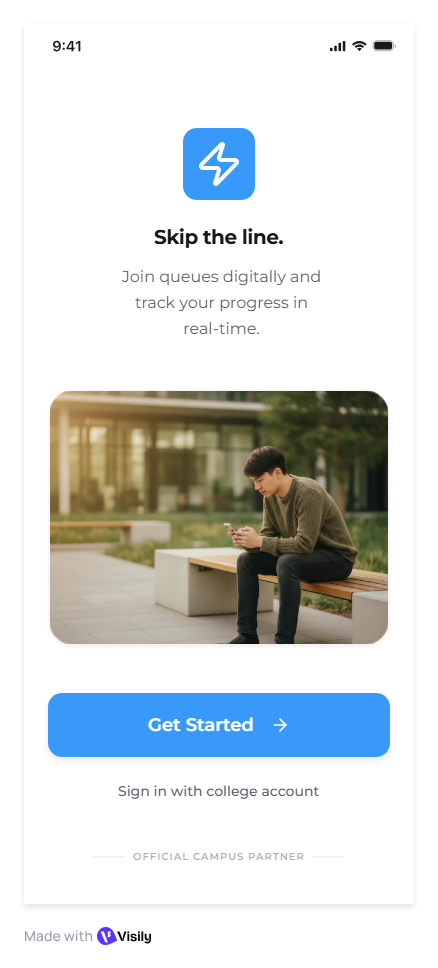
Make waiting feel predictable.
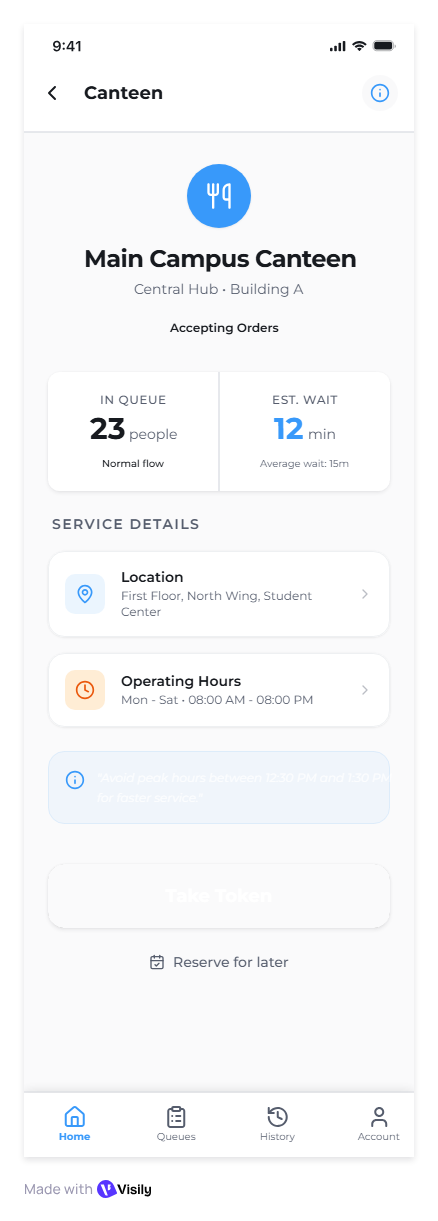
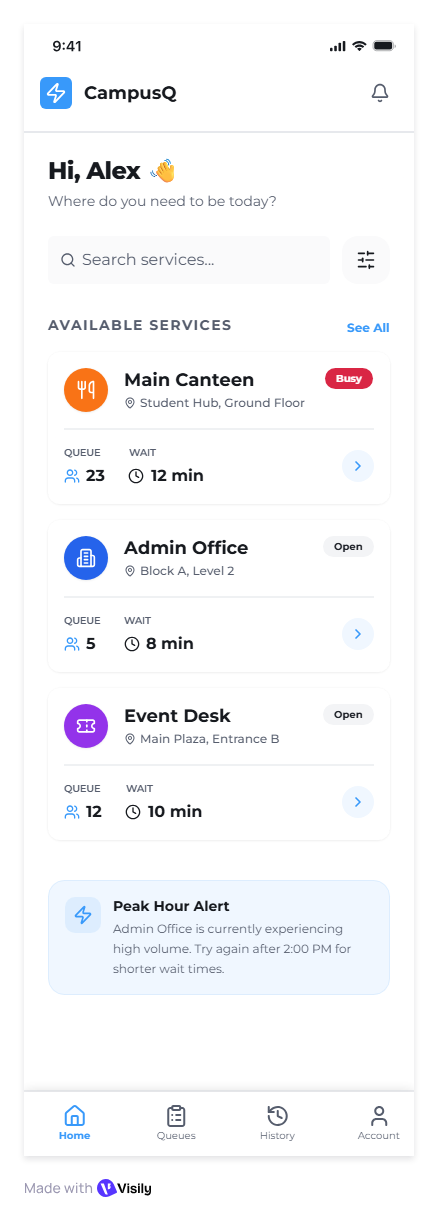
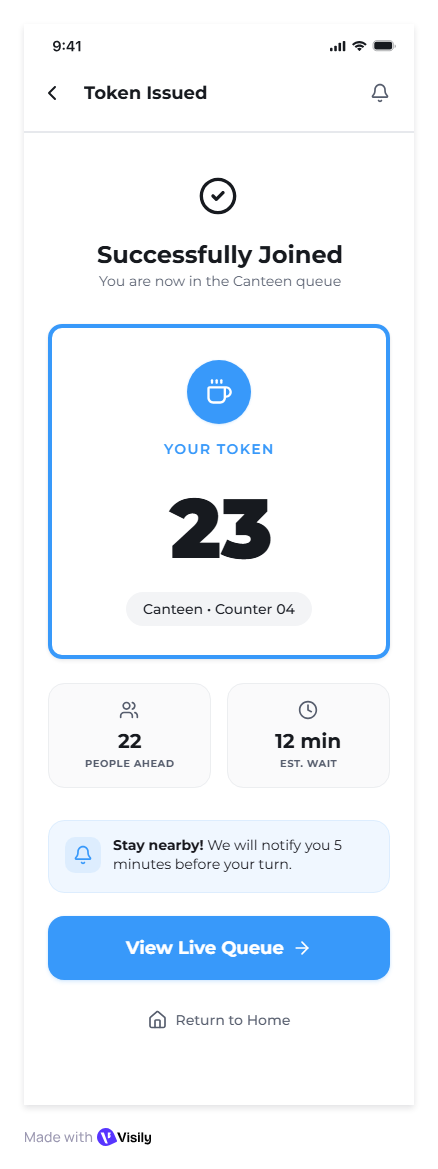
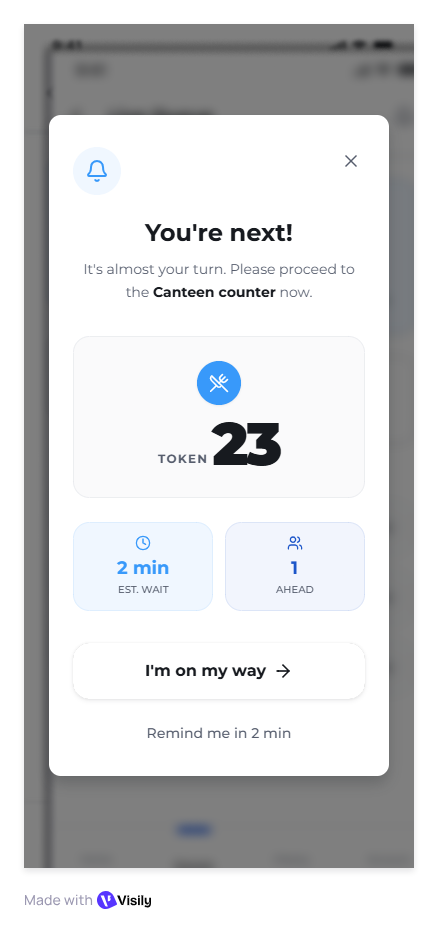
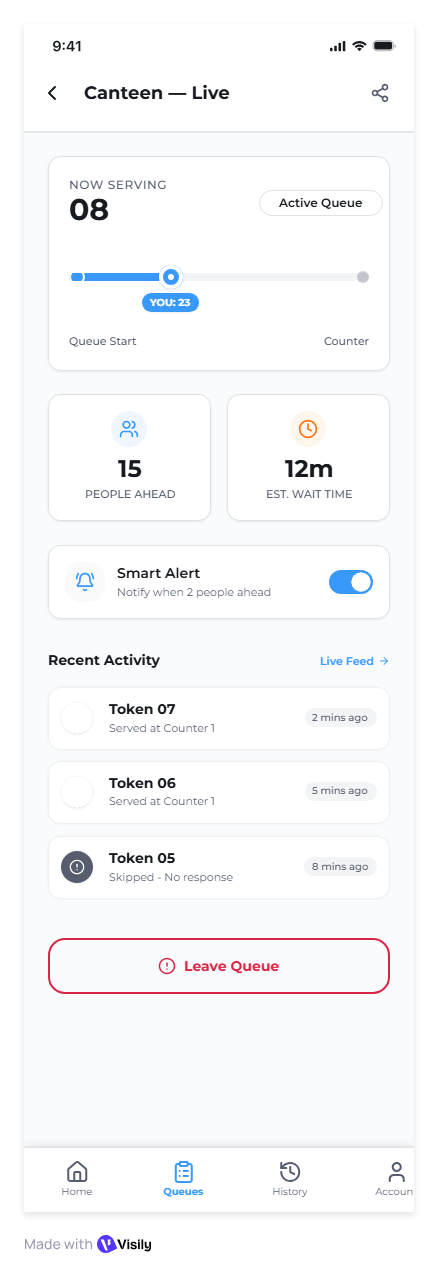
The interface focuses on a simple student journey: enter the service queue, understand the current token position, receive alerts before the turn arrives, and keep the queue history visible. The visual system uses large status numbers, soft cards, and clear affordances for fast scanning on mobile.
Clear flow
Students can move from onboarding to service selection and live queue tracking without heavy instructions.
Wait visibility
Token, people-ahead count, and estimated time are treated as primary information.
Reusable system
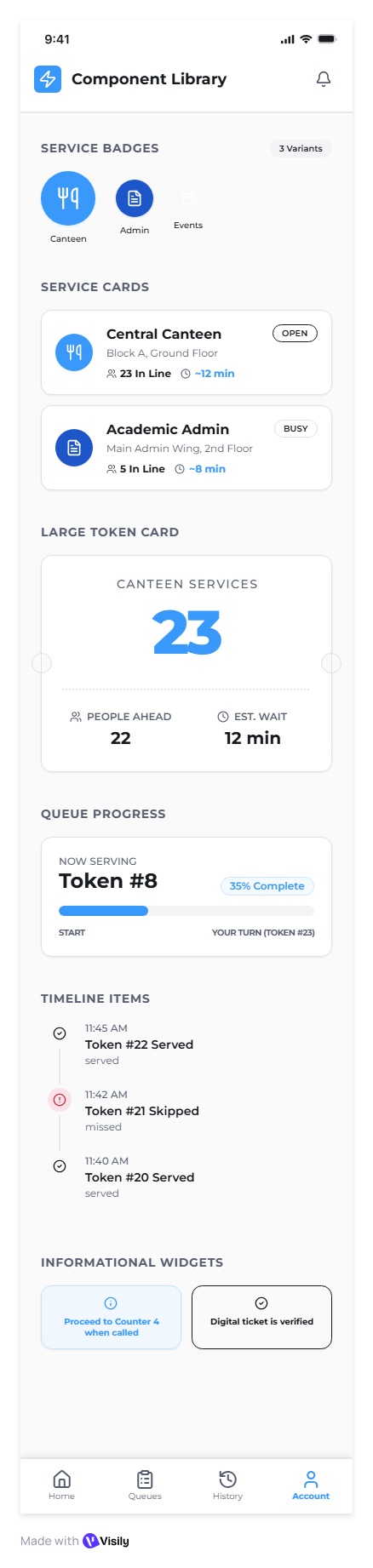
The component library establishes service cards, status widgets, timeline items, and bottom navigation states.
Detailed mobile screens.
These screens show the full visual direction: queue states, service cards, smart alerts, information widgets, and reusable UI patterns.